DoorDash
Receive DoorDash orders directly in your Applova POS and KDS — no tablet juggling.
How It Benefits You
Direct Order Injection
DoorDash orders appear in your POS and KDS automatically.
Menu Sync
Your Applova menu publishes to DoorDash — one source of truth.
Order Status Updates
Mark orders as ready and DoorDash is notified automatically.
Payout Reconciliation
DoorDash earnings tracked alongside your other channel revenue.
Starting from
$39/ mo
$39 / mo · DoorDash marketplace fees apply
Links your existing Doordash account
Works seamlessly with
One Screen for Every Order — Including DoorDash
Stop managing a separate DoorDash tablet. With this integration, DoorDash orders flow directly into your Applova POS and KDS alongside all your other orders — unified, prioritised, and managed from one place.
How It Works
Get up and running in minutes — no technical setup needed
Connect DoorDash
Authorise Applova to connect to your DoorDash merchant account.
Sync Your Menu
Your Applova menu publishes to DoorDash automatically.
Orders Flow In
New DoorDash orders appear on your POS and KDS instantly.
Manage from One Place
Accept, manage, and track DoorDash orders alongside all others.
You May Also Like
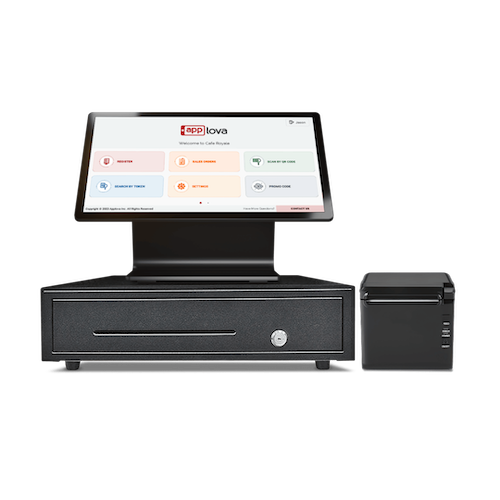
Point of Sale System
Applova POS is a full-featured POS system that helps your team move faster, sell smarter, and run every channel from one system.
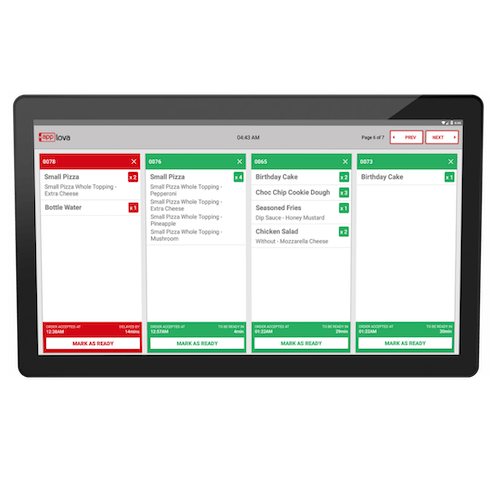
Kitchen Display System
Streamline order flow from front-of-house to the kitchen with real-time tickets, customizable screens, and prep timing built for busy lines.
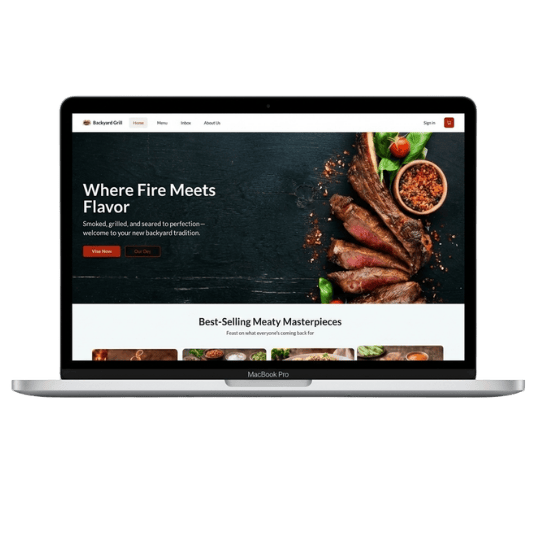
Website + Online Ordering
Commission-free webstore with a fully branded ordering experience that drives direct revenue.
Starting from
$39/ mo
$39 / mo · DoorDash marketplace fees apply